Reportio Inventory

Know every asset.Control every change.

Tag physical assets with QR codes, keep location and responsibility clear, run audits faster and attach faults, service notes and proof to the exact item.

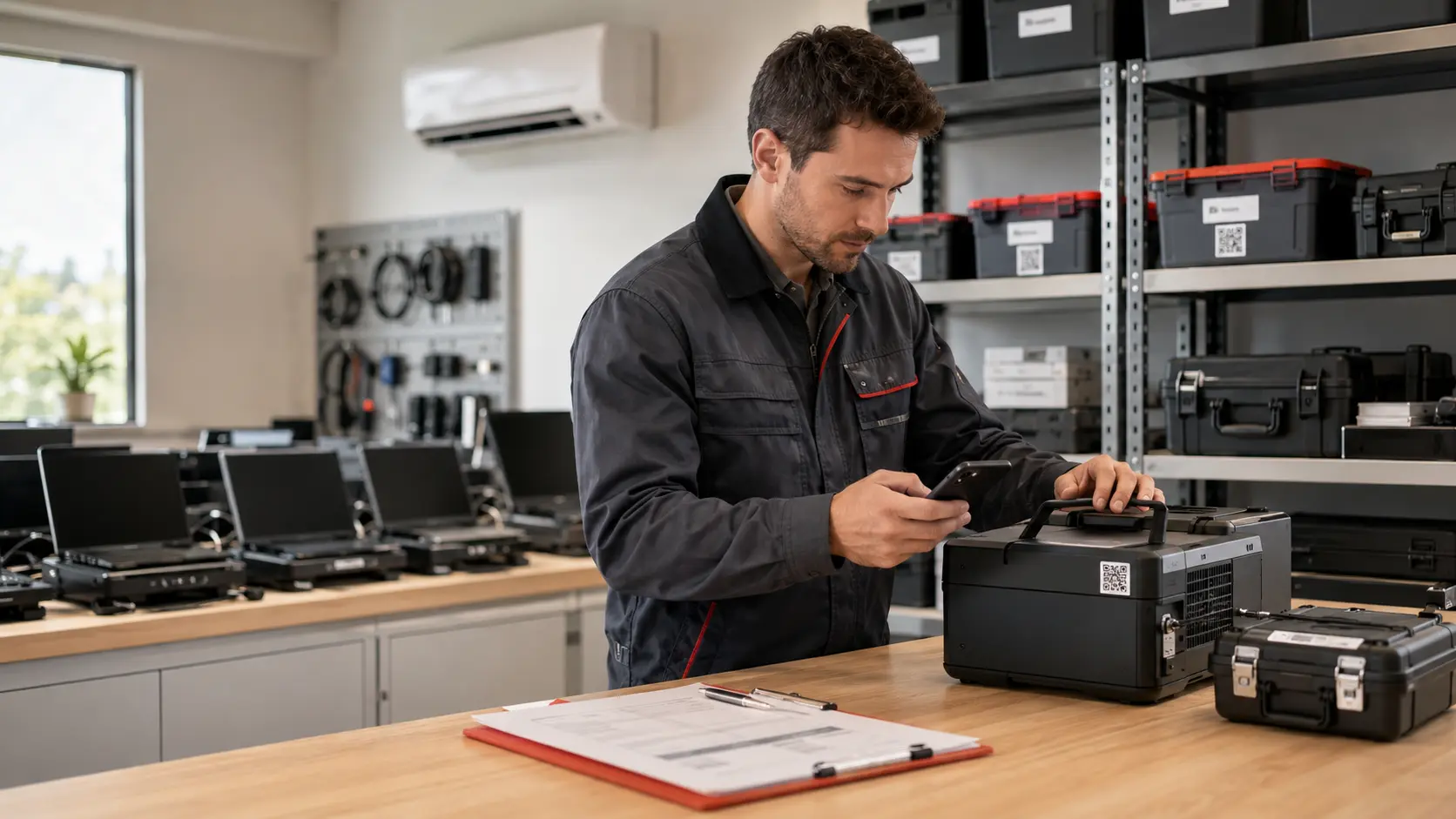
Internal employee scanning a QR label on a physical company asset
Asset record Portable unit A-1042

Location known · Responsible team assigned · History attached

For whom

Organizations that manage real physical assets, not retail stock.

Reportio Inventory fits companies, cities, institutions, factories, hospitals, hotels and facility teams that need control over equipment, devices, furniture, tools, installations, infrastructure and shared assets.

Problem we solve

Inventory should not live in spreadsheets nobody trusts.

When assets are tracked manually, teams lose time asking what exists, where it is, who is responsible, when it was checked and what happened last time it failed. Reportio connects every asset to a usable operational record.

Asset control

From first label to daily operations.

Inventory is not only a list. It is a living record of location, ownership, condition, audits, faults, service work and replacement history.

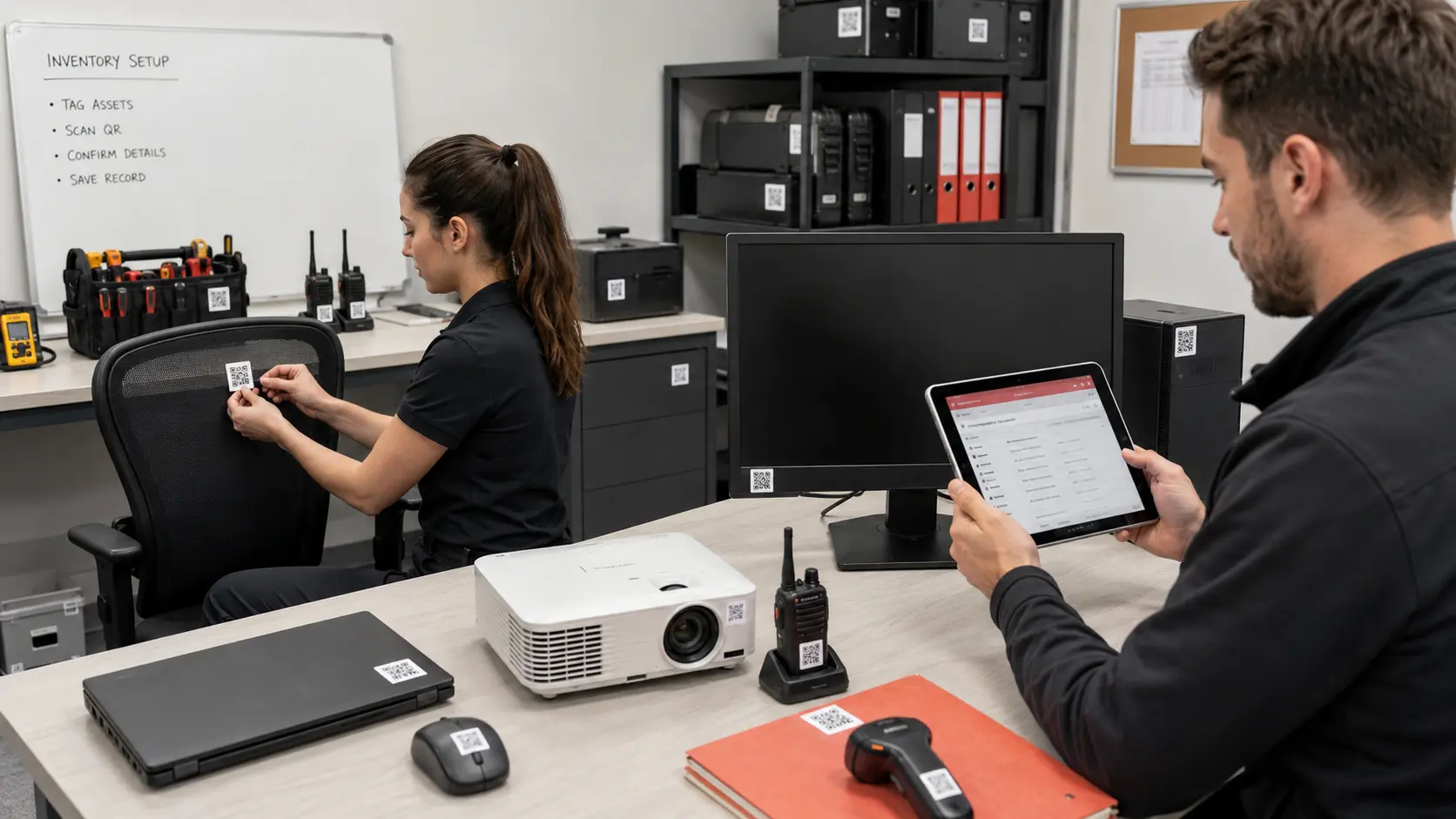
Employees applying QR labels to company equipment during asset setup
Asset tagging

Start with the exact item.

Attach a QR label to equipment, tools, furniture, devices or infrastructure and connect it to a structured asset record.

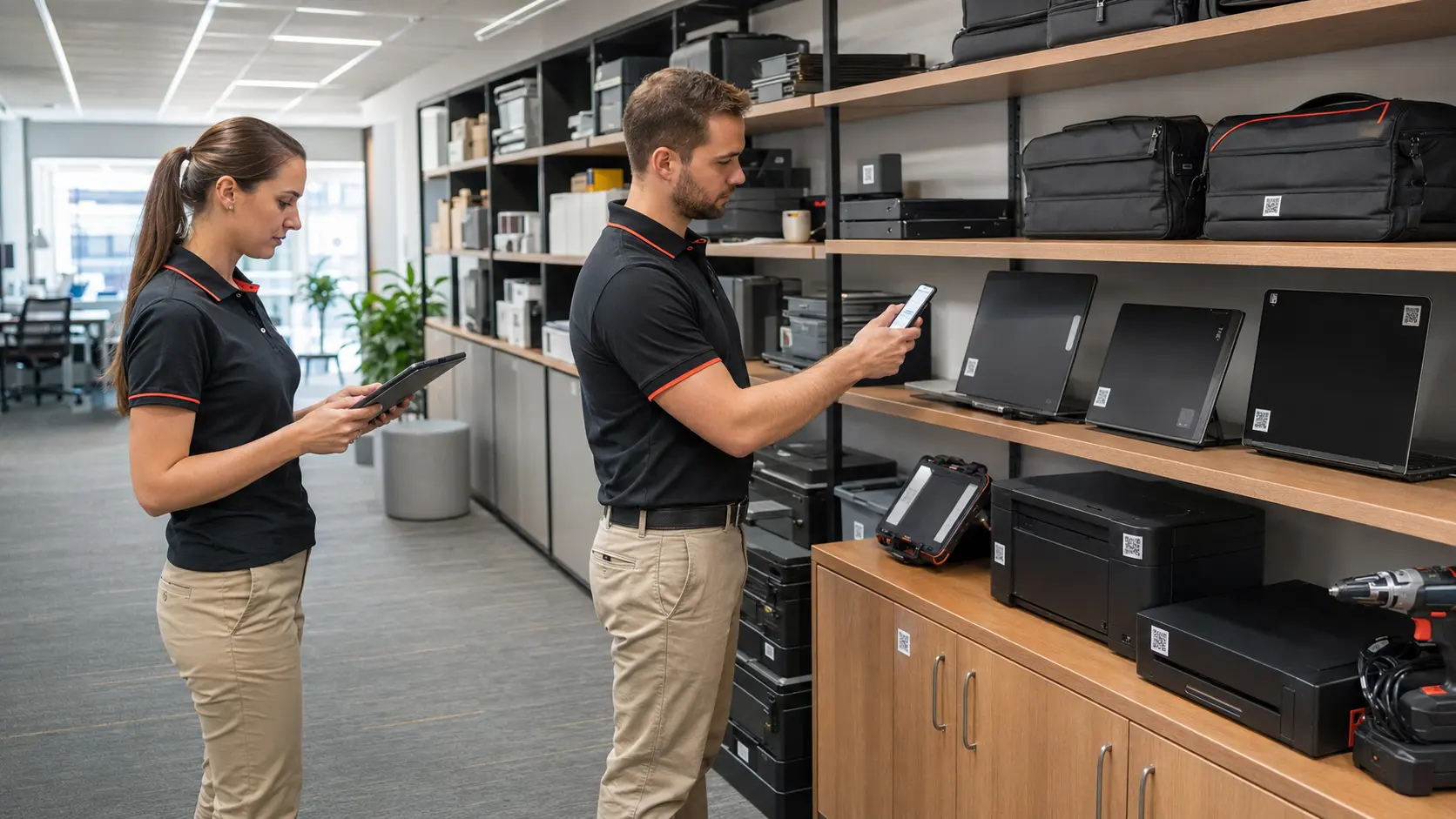
Employees scanning QR labels during a physical inventory audit
Inventory audit

Check assets without chasing Excel files.

Teams scan assets on location and confirm what exists, what moved, what is missing and what needs attention.

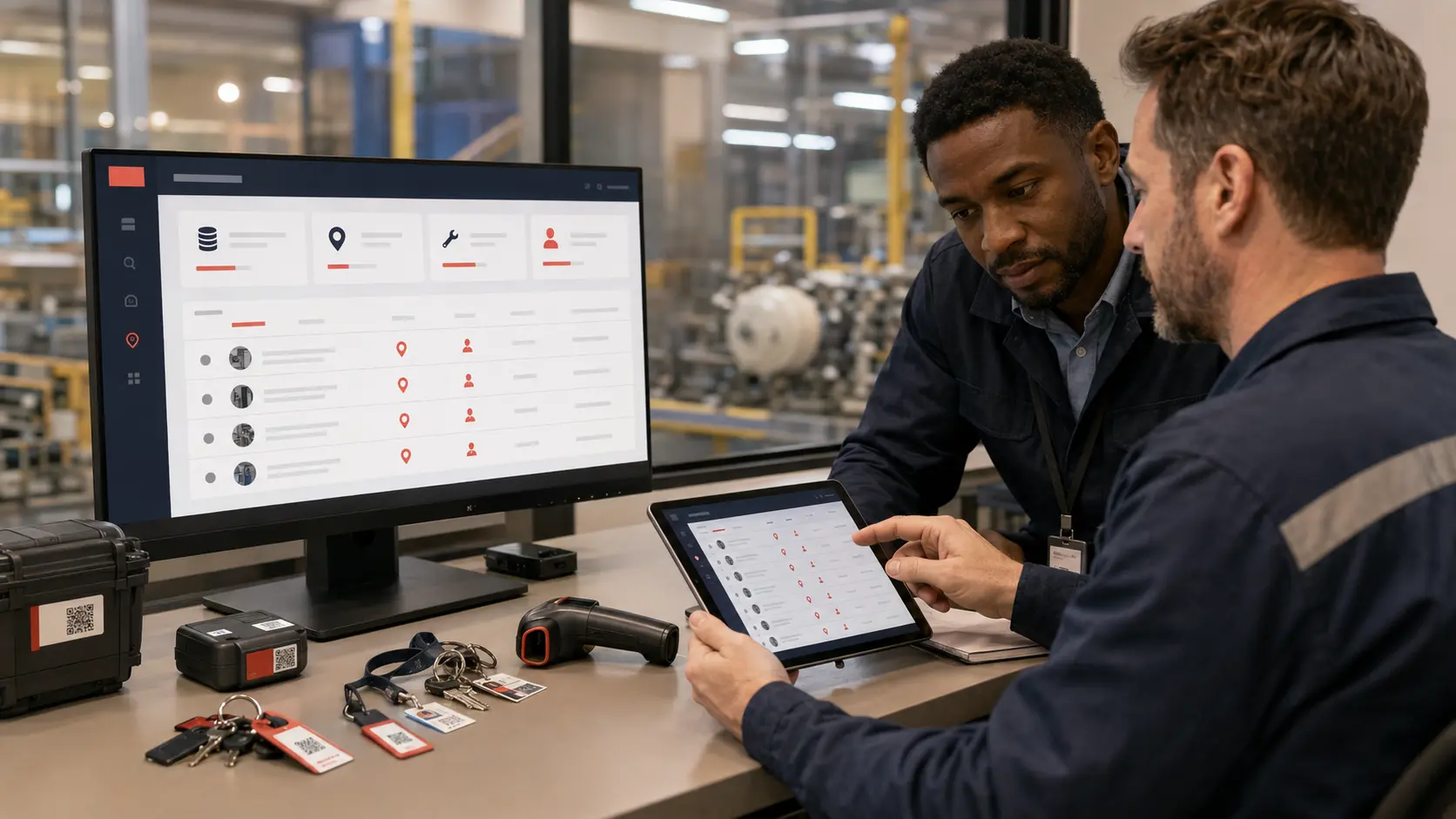
Operations team reviewing asset location and responsibility dashboard
Location & owner

Every asset has context.

See where the asset is, which team owns it, who is responsible and what status it currently has.

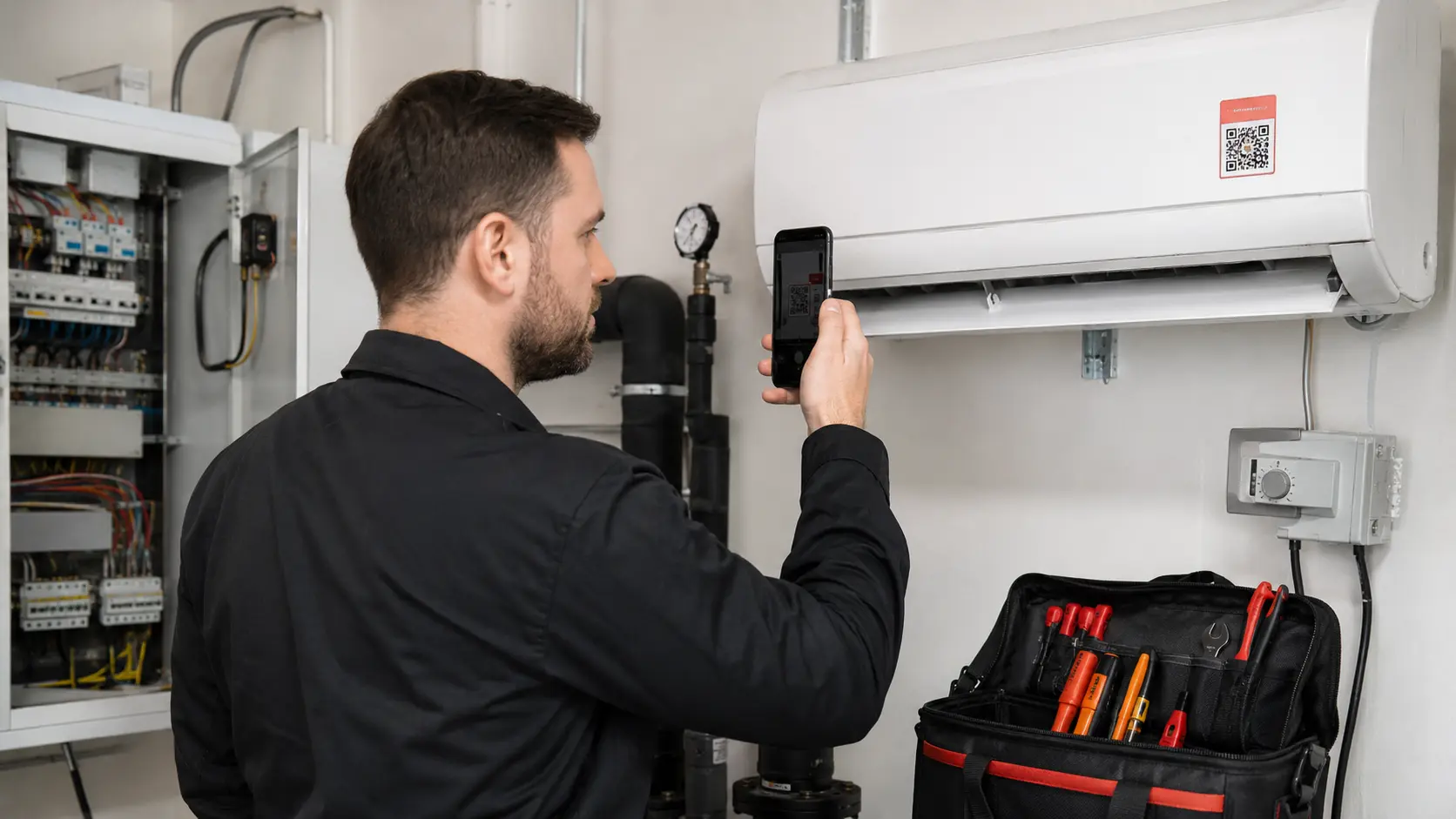
Faults on exact assets

When something breaks, the report already knows what item it is.

A worker scans the asset QR and opens the correct record instantly. The fault is tied to the item, location, category, service history and responsible team before maintenance even starts.

QRExact asset identification
OwnerTeam, person or department
HistoryFaults, service and changes
Maintenance employee scanning an asset QR label on an AC unit to report a fault
Fault reported

Asset, location and history attached

Ready for maintenance assignment

Features

Physical asset records that stay useful after the first inventory.

Asset records

Name, type, ID, QR code, location, condition, responsible team, notes, warranty and documentation.

QR labels

Scan the label on the exact item to view the record, report a fault or confirm inventory status.

Locations

Attach assets to buildings, rooms, departments, outdoor zones, vehicles, sites or public infrastructure.

Audits

Run periodic inventory checks and track confirmed, missing, moved, damaged or retired assets.

Fault history

Keep all reported issues, service notes, photos, replacements and repeated failures on the same asset.

Lifecycle proof

Document assignment, transfer, repair, replacement, retirement and final status with timestamps and photos.
Lifecycle record

Keep proof of what changed, not only a list of what exists.

Reportio Inventory gives management a practical audit trail for each physical item: when it was added, where it moved, who checked it, what broke, what was repaired and when it was replaced.

  • Initial inventory and QR tagging
  • Periodic scans, condition checks and missing asset review
  • Faults, service work, replacements and retirement history
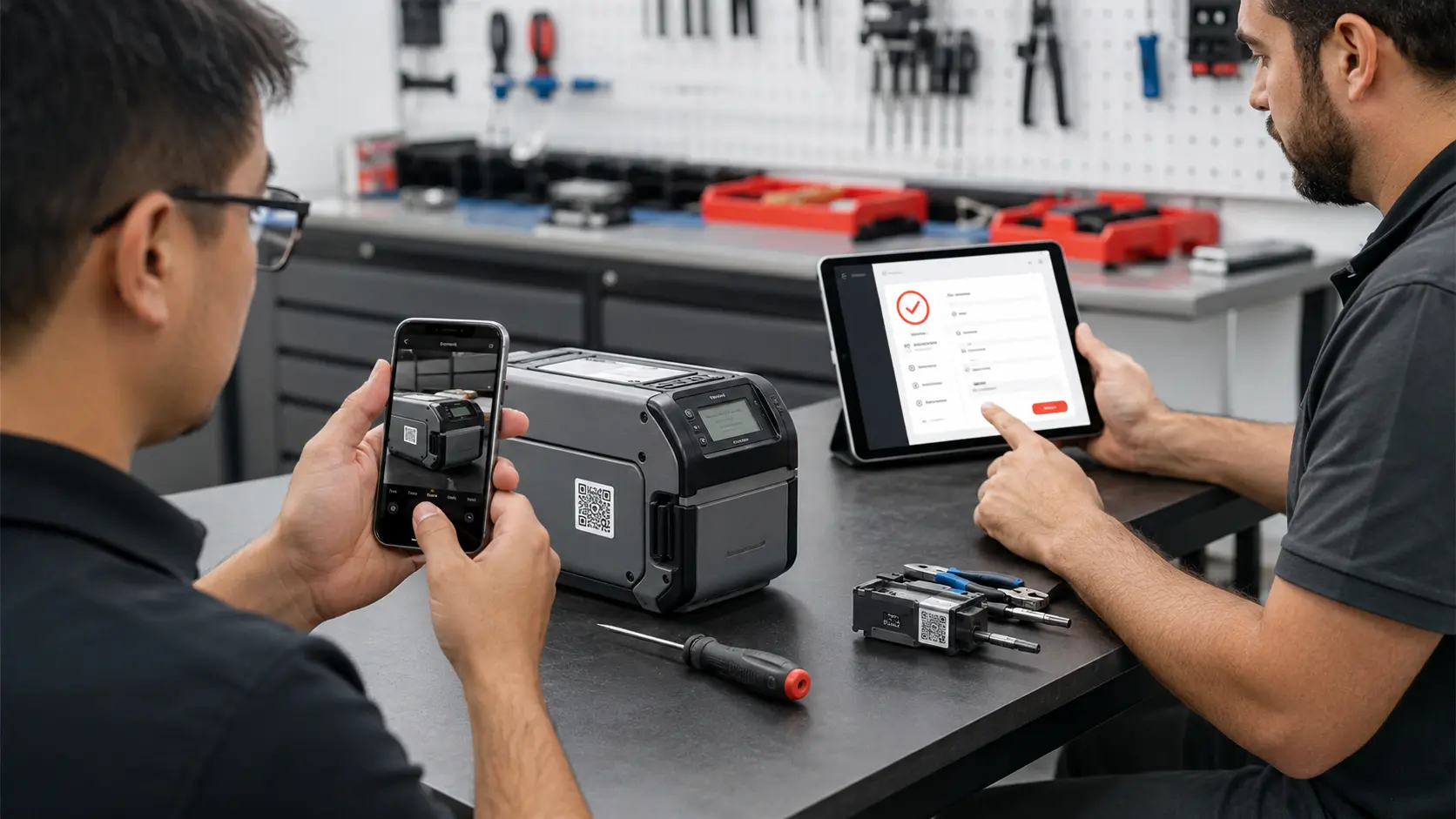
Technician documenting completed service on a QR-labeled asset

Not just inventory. A working history of every asset.

Reportio Inventory connects physical items with ownership, location, audits, faults, service history and proof, so the asset record stays useful long after the first list is created.

Reportio Inventory demo

Show us one asset type. We will build the example flow.

Bring one example: IT equipment, tools, machines, AC units, furniture, vehicles, public infrastructure or internal devices. We will show the workflow from QR label to audit, fault and proof.

See inventory workflow